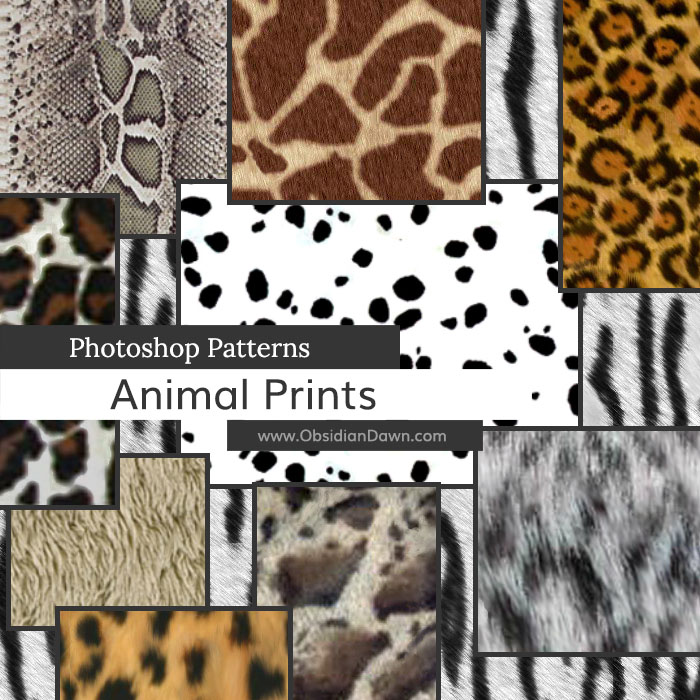
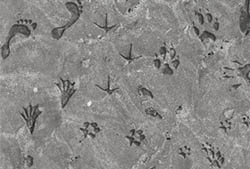
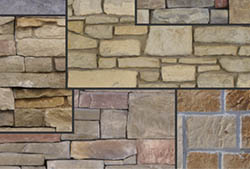
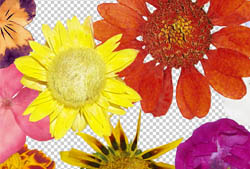
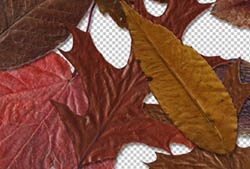
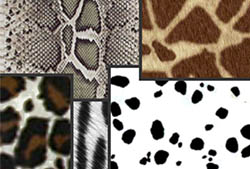
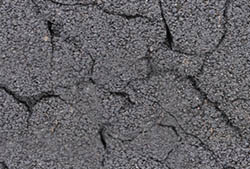
A set of Photoshop & GIMP patterns composed of various animal prints or textures. They should be relatively seamless.
Includes: cheetah, cow, dalmation, plain fur, giraffe, jaguar, leopard, lynx, ocelot, snake, snow leopard, tiger, white tiger, zebra

Programs: Photoshop 7+, Photoshop Elements 2+
Patterns: 18
Size: 26.2MB
Download the image pack (for those without Photoshop & GIMP)


need more prints
Love your patterns, brushes, etc, thank you so very much for sharing them! xx
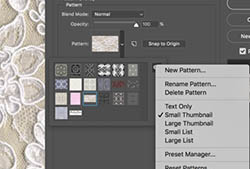
How do you get them onto photoshop and where do you save it to ????!!!!
Chazz: Over in my sidebar, you’ll notice a link to “Installing Patterns” (also for brushes and shapes). That’s what you want to click to view a tutorial on how to install them. :)
Or, here you go: http://www.obsidiandawn.com/installing-photoshop-patterns-tutorial
i use photoplus is there a section for that or do i have to go to another site????
Fraser: I have some stuff that you could use with PhotoPlus, but this site is mostly Photoshop & GIMP right now.
I don’t know anything about Photo Plus, but you could still download the image packs for the brush and patterns sets, and use those somehow.
I always stalked and loved your resources. Keep up the good work!
Hi,
A friend recommended this was the place to come for some quality resources, and they were absolutely right.
Thanks for making these so available to everyone!!
thank you xoxox
Hi,
tnx very much for these lovely textures. I played a bit around and a result can be seen here :
http://www.pbase.com/perrush/image/108216969
tnx again
Greetz
Stefan
please!!!!~ want it!!
@bora: Then download away! They’re free, you just have to credit me for their usage. :)
Thank you so much for sharing your wonderful work with the world.
Thank you so much! I’m need to Patterns
do these work with Photoshop CS4? I’ve had a couple of issues importing some brushes from your sets into CS4 but wondered about if i’d get the same result with these patterns before i download them….
@simi: You shouldn’t be having issues at all. I use them in my CS4 all the time. If you’re having issues, then possibly some of the downloads are becoming corrupted as they’re being downloaded. That’s about all I can think of, if you’re unzipping them and otherwise doing what you should with them.
So nope, the patterns should work, too!
Let me know if you have any more trouble, and exactly what’s happening and I can see if I can help!
Love all your brushes and patterns…thank you for creating and sharing!!
Tbh, i love this site :D
If i ever do any tutorials on bebo or for friends i will definitley tell people to put this site in their faves and to tell their friends about it.
More thanks for even more wicked patterns. You have saved me a lot of time with these!
Pingback: Huge Collection of Photoshop Brushed, Patterns and Shapes | tripwire magazine
Wonderful…all of your items are. Most Generous!
Beautifully Created!
T_T i cant use it for some reason gimp wont read it
@scooterbug: Yes, GIMP patterns and Photoshop patterns are different. These are Photoshop patterns. You’ll have to grab the image pack and make them into GIMP patterns manually, I’m afraid.
Sorry!
Hey!
I love this site so very very much! I have downloaded most of yours brushes etc for photoshop CS4 and I love them!
Thank you so very much for sharing them here!
=D
wow! good patterns