
Oct 31 2007

Aurora Borealis Photoshop & GIMP Brushes

Category: Brushes | Tags: , , , , ,

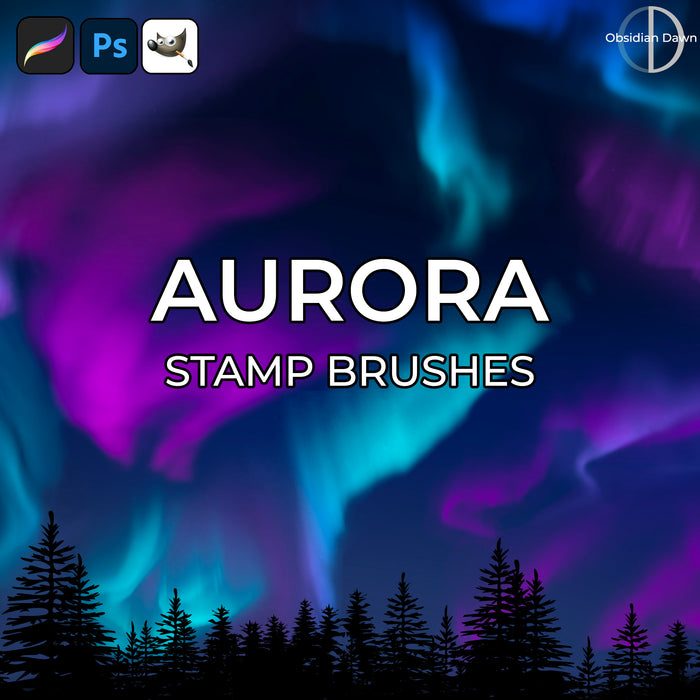
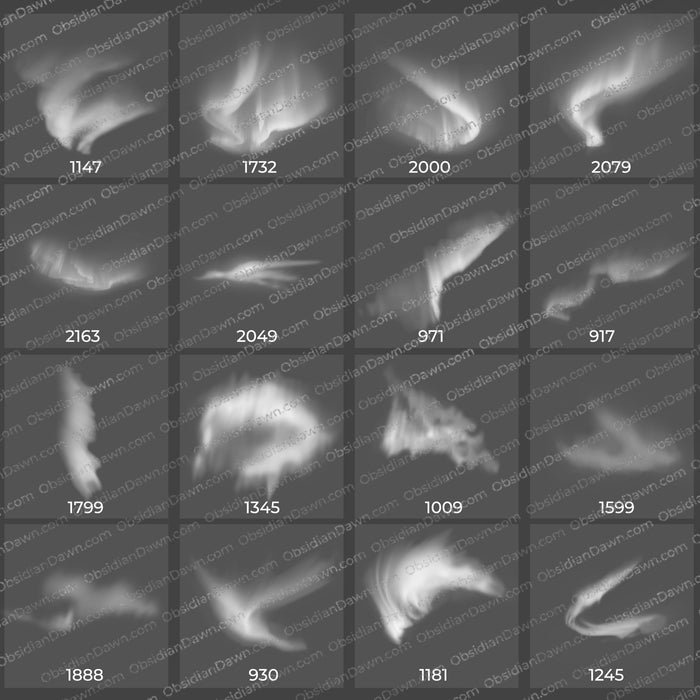
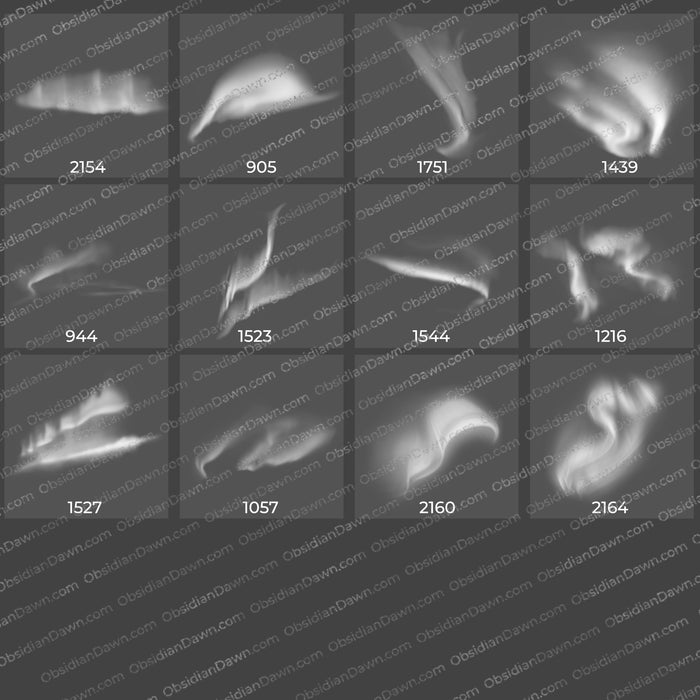
A set of Photoshop & GIMP brushes composed of various shapes of Aurora Borealis, also known as the “Northern Lights.” Most are about 1000 pixels high/wide or so.

These could also be used for numerous different magical effects in fantasy paintings, or even for some shapely fog banks or mist.

Aurora Borealis Brushes

Programs: Photoshop 7+, Photoshop Elements 2+, Gimp 2.2.6+
Brushes: 22
Size: 5.89MB


>> Download the brushes
>> Download the image pack

Please read my terms of use before downloading!

Random Brush Tip:

If you’re ever having trouble loading or downloading a brush set from somewhere, here’s a useful tip as an alternative to placing the brush set in your Photoshop Brushes directory. (This is mostly for beginners - I get asked this question a LOT, though!)

Download the ABR or ZIP file directly to your desktop. If it’s a ZIP file, unzip it right there on your desktop, too.

Open Photoshop, then click on your brush tool. Just under the top menu, click on the small arrow just to the right of the brush thumbnail. Now click on the arrow on the right side of the window that opens to get to the Brush Preset Picker.

Instead of loading a brush set like you would if you’d placed it into your Photoshop directory, you can also choose “Replace Brushes..” from that menu. Do so now. It will ask you what to replace the brushes with. Find that file on your desktop. Choose it and then click “Load.” It should now be loaded in place of your previous set.

If it’s not, then there’s either something wrong with the set or you didn’t unzip the file.

One Response to “Aurora Borealis Photoshop & GIMP Brushes”

  1. pallavi

    brushes are really wonderful and very helpful for me while working with photoshop

Leave a Reply

Member Center

By Program

Follow Us

  • Fb   Fr   Te   Tw   BC