
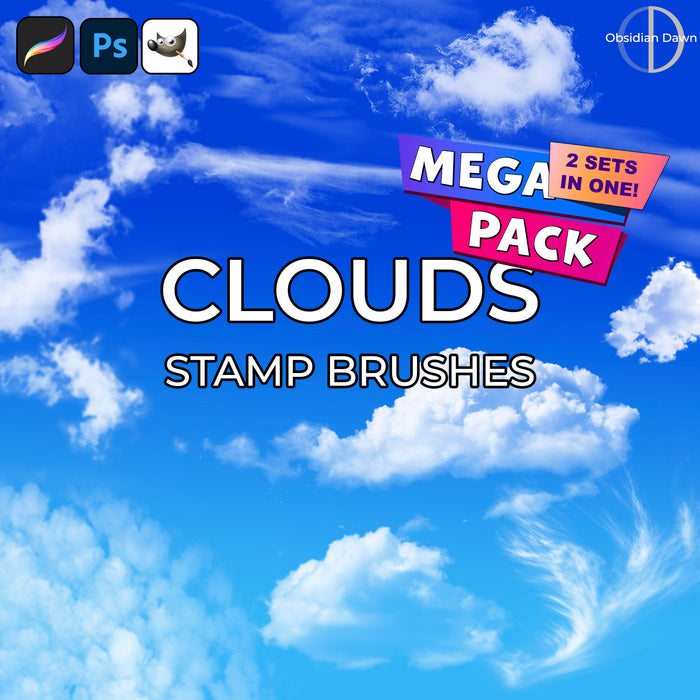
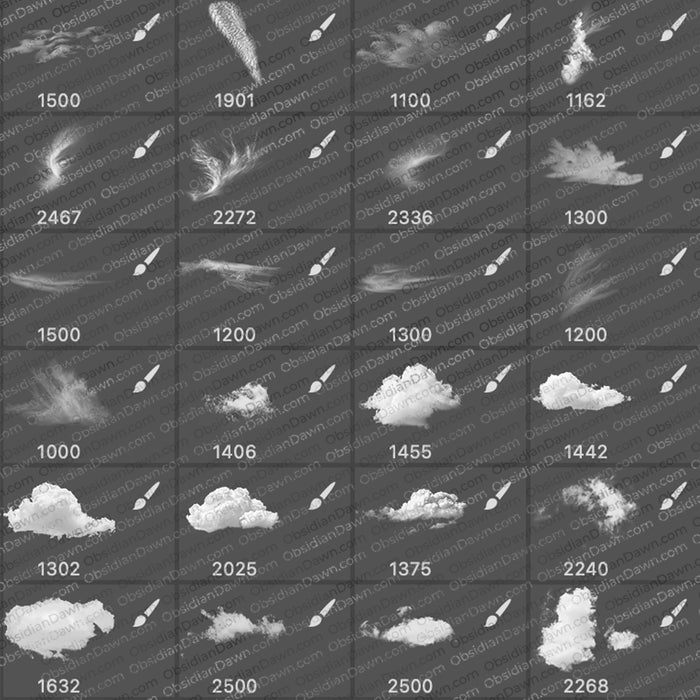
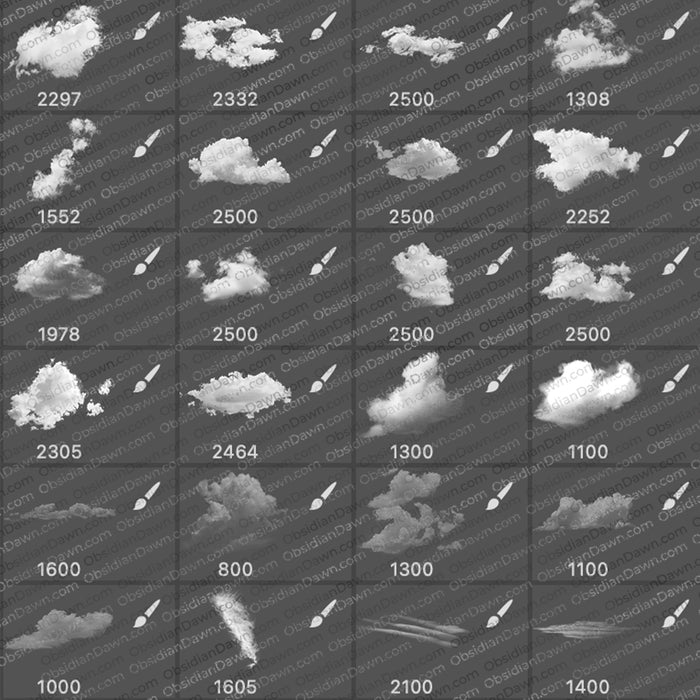
A set of Photoshop & GIMP brushes composed of various types of clouds. Some of the wispy ones would work very well for creating mist if set at a lower opacity.

We also have a set of High Resolution Clouds Photoshop & GIMP Brushes.
Programs: Photoshop 7+, Photoshop Elements 2+, Gimp 2.2.6+
Brushes: 22
Size: 711KB
Download the brushes
Download the image pack
Please read my terms of use before downloading!


15 Responses to “Clouds & Mist Photoshop & GIMP Brushes”
THANKS!!!! These are awesome!
[...] Brushes used Inobscuro Ink, Splatter Brushes, Watercolour II, Cloud Brushes & more Clouds [...]
Thanks for your work man… amazing stuff! These really bring my work to life!
Thanks for you provide the image-pack to your great brushes so you also can use the to Corel Paint Shop Pro X – X2.5. Her is an example how I use your brushes.
http://www.flickr.com/photos/kajvin/3138143270/
Very nice! I really appreciate your willingness to share these great brushes with us.
Thanks!
[:)]
wow very artistic !!!
[...] mist brush [...]
Thank you so much for your amazing brushes! And the best part is that there free! I hope you keep them free because these are amazing!
these are so grool!! *great & cool!
i love clouds! ^^,
hey these are great thanks :)
well i have windows xp how can i put those brushes in gimp :D
my friend said me that i have to put them in the bruses forder but i cant found it
@embrer: Check out my sidebar for “Installing Brushes” – that’ll get you pointed in the right direction. :)
how do i use them? I downloaded it but i cant figure out how to open it! D:
@Alex: Click on “Installing Brushes” on the sidebar. :) That’ll get you going!
Leave a Reply
Other Links
Member Center
Getting Started
Affiliates
Helpful Links
Follow Us
By Program
Latest Downloads
Popular Now
Web Design and All Content
© 2004-2009 Obsidian Dawn