
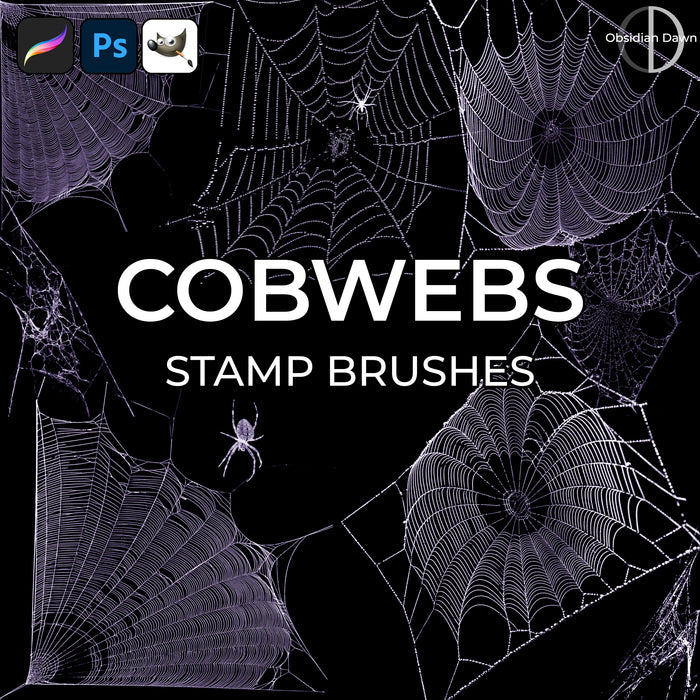
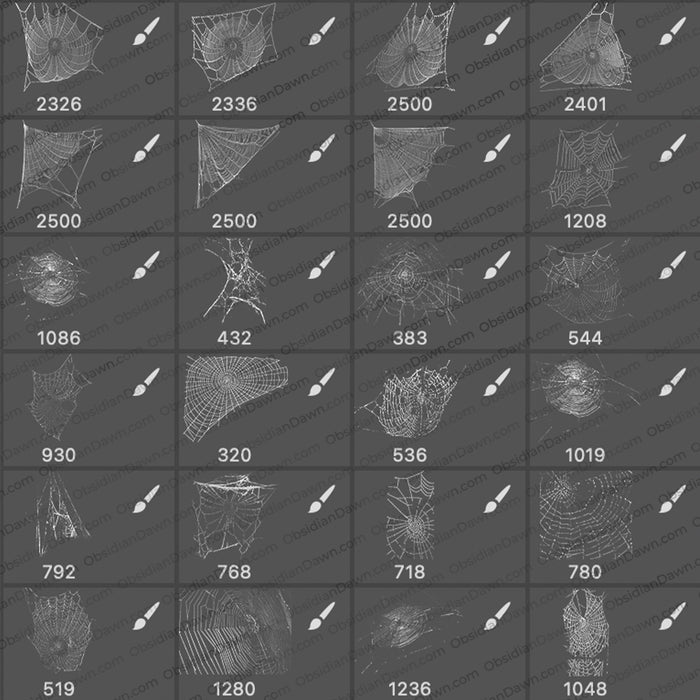
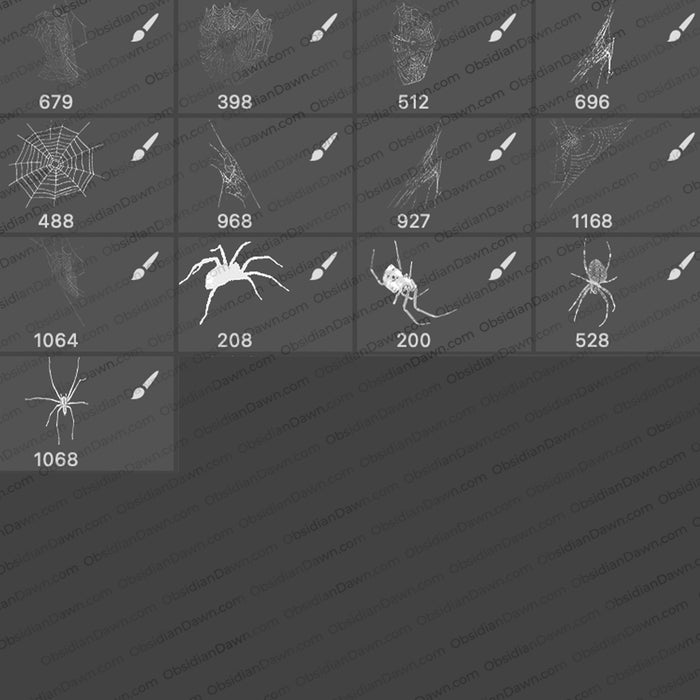
A set of Photoshop & GIMP brushes composed of various shapes of cobwebs.

Includes: lots of webs in various orientations, a few spiders, and a set of 4 corner cobweb brushes
Programs: Photoshop 7+, Photoshop Elements 2+, Gimp 2.2.6+
Brushes: 30
Size: 3.65MB
Download the brushes
Download the image pack
Please read my terms of use before downloading!


10 Responses to “Cobwebs Photoshop & GIMP Brushes”
Great set…Thanks for all the hard work!
awesome
u rock!
Really great! thx a lot for sharing!
astonishing!!!
thank you for this you saved me alot of messing about
Hi, this is the first time i have downloaded a brush, and i can’t seem to find it when i open photoshop. Can anybody tell me how to do that? (I use photoshop elements 7)
@Angel: I have a tutorial that explains it. It should be almost identical for Photoshop Elements, although the tutorial is for Photoshop. Works exactly the same way with Elements, though. :)
It’s in my sidebar, under “Getting Started” – “Installing Brushes”
Enjoy!
[...] Cobwebs Photoshop Brushes – A set of 30 lacy spider web brushes. [...]
I know that these took some time to create. Great work and gorgious! Thank you.
Superb,thank you
thank you so much.. thank u, thank u, thank u, thank u,…..
Leave a Reply
Other Links
Member Center
Getting Started
Affiliates
Helpful Links
Follow Us
By Program
Latest Downloads
Popular Now
Web Design and All Content
© 2004-2009 Obsidian Dawn