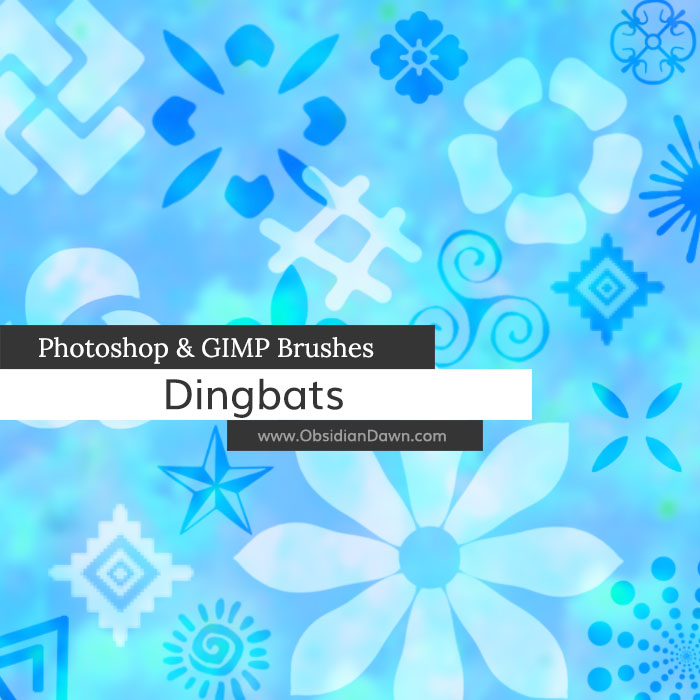
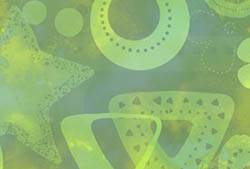
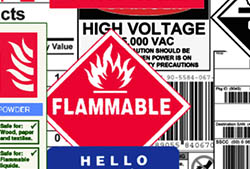
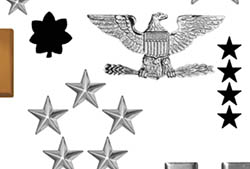
A set of Photoshop & GIMP brushes composed of various “dingbats” or shapes. Just some simple little embellishment designs to add for a little something here or there. Tons of uses for these babies!

Programs: Photoshop 7+, Photoshop Elements 2+, Gimp 2.2.6+
Brushes: 31
Size: 486KB
Download the brushes
Download the image pack
Please read my terms of use before downloading!


5 Responses to “Dingbats (Shapes) Photoshop & GIMP Brushes”
FWAHOOT
AWESOME
hah, i clicked on this because the color drew me in.
and now im downloading it because i see the Nor Cal star. awesome!
lol, the second one on the left looks like an upside down crook kross of adolf h. (in german hakenkreuz)
I noticed that in the prints shown here,1 print seemde to be made of different colors,how do you do that?
@Tokidoki247: I have a tutorial called “Multiple Colors with Brushes” – that’ll walk you through it. :)
Leave a Reply
Other Links
Member Center
Getting Started
Affiliates
Helpful Links
Follow Us
By Program
Latest Downloads
Popular Now
Web Design and All Content
© 2004-2010 Obsidian Dawn