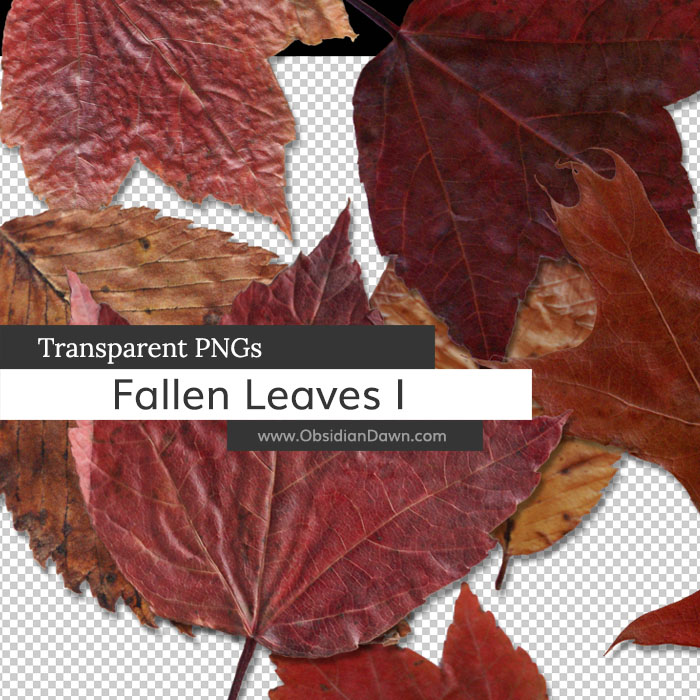
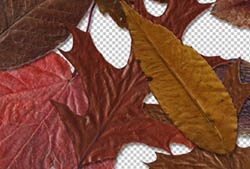
Today’s release is a set of various photos of fallen autumn leaves as transparent PNGs. It can be used in any program that will support *.PNG files. (Photoshop, GIMP, PSP, and many more) These images are extremely high resolution, with the average being about 2300×2000 pixels @ 300 dpi.
Included are various types and colors of leaves, all picked up from the freshly fallen multicolored autumn foliage. You’ll find some red, orange, brown, and even some purple-ish leaves within, all on transparent backgrounds.
To use them, it’s as easy as opening up the file and copy/pasting into your own design.
If you’re looking for more leaves of other colors, check out our Fallen Autumn Leaves II Transparent PNGs.

Programs: Photoshop, GIMP, PSP, and many more
Images: 14
Size: 39.7MB
Photoshop Tip:
If you’re going to make a collage of leaves like I did in my preview image, one of the most important things to do is to rotate the images as you paste them down, so they’re not all sticking straight up and down. You can do a CTRL-T (or CMD-T on a Mac) to bring up the transform tool, which you can then use to resize and rotate the images as you place them.
You may also want to add each of them on their own layer so that you can then go back and add a drop shadow to make the leaves look like they’re really resting on top of each other.


ThakZ a Lot , I realy Exeited
Thank you for the leaves! Very nice!
Great textures! Thank you for making these!
Wonderful leave images! Thank you!