Aug 1 2007

Ghosts Photoshop & GIMP Brushes
Category: Brushes | Tags: , , ,

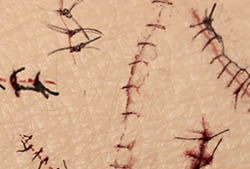
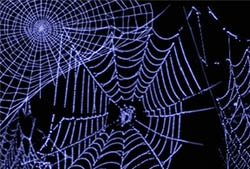
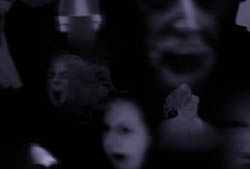
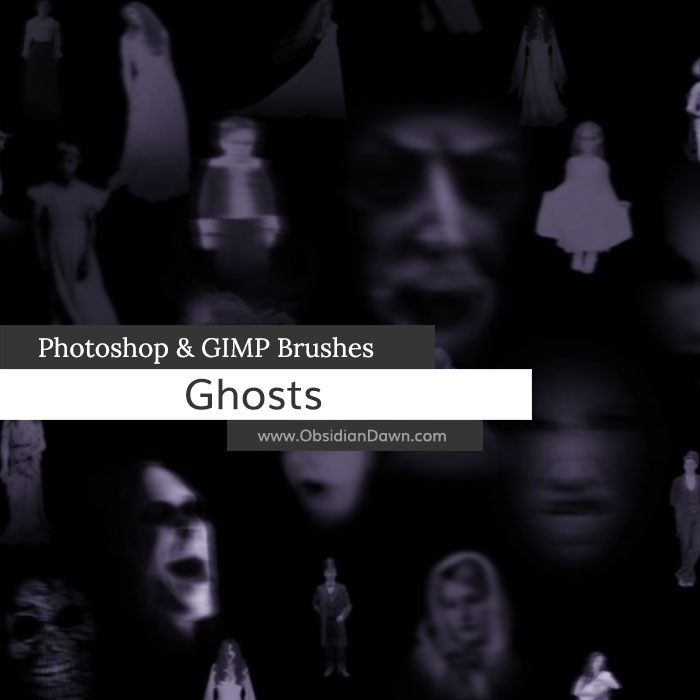
A set of Photoshop & GIMP brushes composed of various ghostly images. Includes both faces and figures that you can add to photos, paintings, etc to make them look like they’re captured images of ghosts! Some scary looking, some just kind of standing there, some with flowing gowns and hair, others with old vintage clothing and poses, some soldiers, children, brides, a woman holding a baby, and all kinds of stuff! These are big, with the average size being about 1000 pixels tall or wide.

Ghosts Brushes

A big thank you to almundena-stock and glo-stock-vintage from deviantArt for allowing me to use some of their stock images for a few of these brushes!

Programs: Photoshop 7+, Photoshop Elements 2+, Gimp 2.2.6+
Brushes: 27
Size: 4.23MB


>> Download the brushes
>> Download the image pack

Please read my terms of use before downloading!

13 Responses to “Ghosts Photoshop & GIMP Brushes”

  1. Desiree

    Thanks so much!

  2. shiva

    once agian thank you

  3. Jackie

    Thank you again. It’s so great that you share all these great brushes with everyone.

  4. Lelik

    I’m scared :)
    Thank you so much!
    Brushes are so useful

  5. Taz

    the brushes dont come up on my gimp

  6. @Taz: Follow the directions in the tutorial I link in my sidebar, under “Getting Started” – “Installing Brushes”, and then they will. :) Also, make sure you restart GIMP.

  7. Hey! How come whenever I place the brushes in my gimp brushes folder, when I start up GIMP, its not there? Will it take some time to load?

  8. @Cessa: I’m afraid GIMP is not my thing. I’ve never used it. In my sidebar, under “Getting Started” where it says “Installing Brushes” – what’s on that page is the most I know about installing Photoshop brushes into GIMP, sorry. But maybe it’ll help, so check it out!

    If it doesn’t, check a GIMP forum for someone that regularly uses Photoshop brushes in GIMP, and they should be able to help you out!

  9. Susan

    Thank you very much for the brushes-Images
    Cheers
    Susan

  10. Evi

    You just keep getting more and more amazing :)

  11. mango

    hey..ive downloaded the eyelashes but i can find it in photoshop.
    helllpppp….!!!!!

    vang.mango:”P

  12. @mango: Did you put it into your Presets > Brushes folder? Is it unzipped? If so, you’ll need to RESTART Photoshop, then it should show up among your other brushes.

Leave a Reply

See Your Image here - Submit Now!
Obsidian Dawn on Facebook