
Glowing Shapes Borders Photoshop & GIMP Brushes

Posted in: Brushes | Tags: , , , .

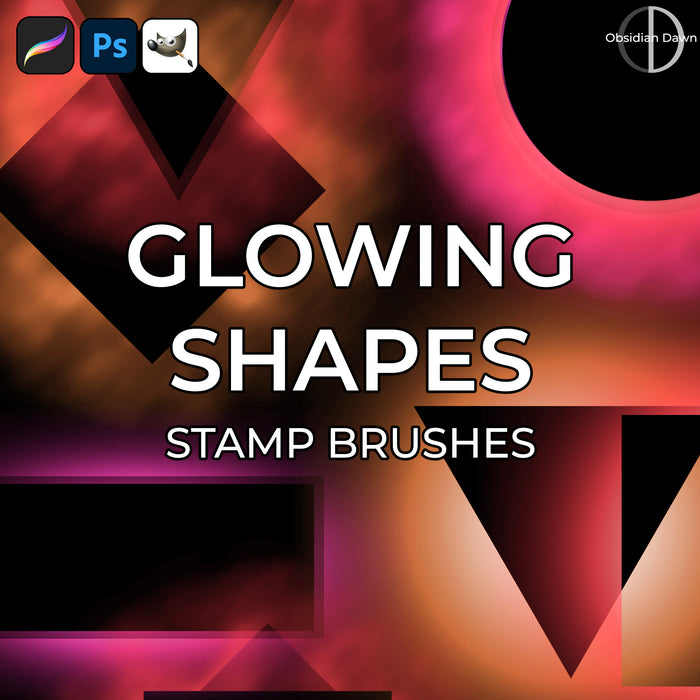
This set of Photoshop & GIMP brushes is composed of various shape “holes” with glows around them. They are meant to be used as borders around … well, whatever you want them to border. They are transparent in the center, so that whatever they’re bordering can show through.

They are all extremely high resolution, with an average size of about 2000 pixels. Enjoy!

Glowing Shapes Borders Brushes

Programs: Photoshop 7+, Photoshop Elements 2+, Gimp 2.2.6+
Brushes: 26
Size: 17.2 MB

Glowing Shapes Borders Brushes
How to Install?
Terms of Use
 

Download the image pack (for those without Photoshop & GIMP)

Be Sociable, Share!
  • Twitter
  • Facebook
  • email
  • StumbleUpon
  • Delicious
  • Google Reader
  • LinkedIn
  • BlinkList

32 Responses to Glowing Shapes Borders Photoshop & GIMP Brushes

  1. Andy Eaton says:

    wow thats a great list, I’m constantly on the look out to improve my designs and using brushes, shapes really helps my designs come to life. thanks

  2. kit says:

    how can i put the brush in the gimp?

  3. Pingback: 1O Must Have Photoshop Brushes Category | T-shirt Factory Blog

  4. Tracy says:

    Oh, these are great, thank you so much!

  5. made says:

    Thanks for your amazing designs! They really make our designer lives easier =)
    Awesome!!!

  6. JoyceB says:

    Thanks again, Stephanie…..these are wonderful!

Leave a Reply

Your email address will not be published. Required fields are marked *

You may use these HTML tags and attributes: <a href="" title=""> <abbr title=""> <acronym title=""> <b> <blockquote cite=""> <cite> <code> <del datetime=""> <em> <i> <q cite=""> <strike> <strong>