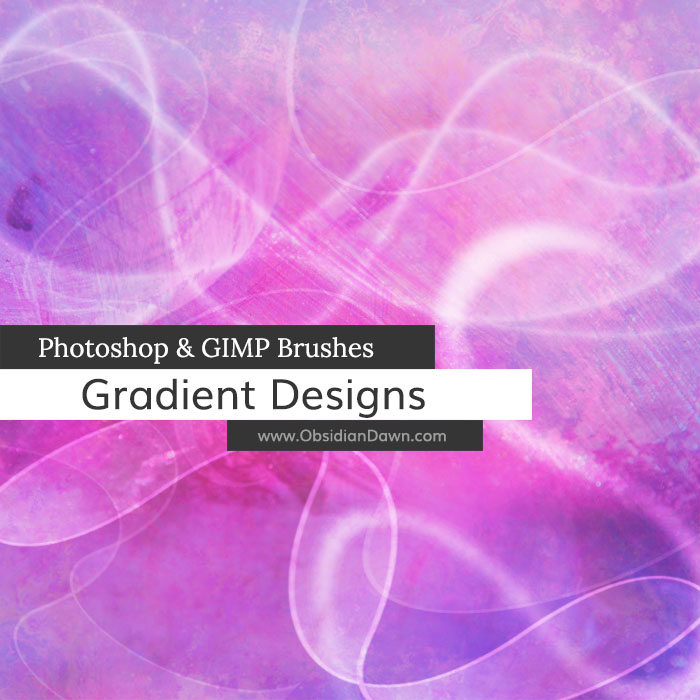
A set of Photoshop & GIMP brushes composed of various shapes and designs with gradients. It includes all kinds of things, from swirls and waves to sunburst effects, bubbles, tribal-like flames, and much more!

Programs: Photoshop 7+, Photoshop Elements 2+, Gimp 2.2.6+
Brushes: 27
Size: 3.33MB
Download the image pack (for those without Photoshop & GIMP)


nice…………………………
thank you!
This Has To Be The 20th Brush I Have Downloaded From Your Site. You Have Made Some Amazing Brushes
Pingback: Huge Collection of Photoshop Brushed, Patterns and Shapes | tripwire magazine
thanks, Im new here but everything is very very good
I love it!…You make a realy wonderful brush!…Thanks~
These are some of the best I’ve ever seen, thank you!
hi! I’ve downloaded brushes from all over the net but yours has got to be the best xDD
thnx I’ll remember to give credits when ever I use your brushes
this brushes keep freezing photoshop….
@mel: Hmm. Well, installed correctly, there is NO way that these should be causing your Photoshop to freeze up. Here’s what I’d do. 1. Re-download the brushes. Sometimes a download can get corrupted, and cause odd things (though, if you could unzip them properly, then this shouldn’t be happening), 2. Restart your computer to make sure there aren’t any odd memory problems going on that could be causing Photoshop to freeze up.
These brushes aren’t even all that large, so the file size shouldn’t be too much for any computer, really. If those first two steps don’t help, then I’d check to see if you can load other brushes properly. If you can, then I’m just not sure what could be going wrong! I’ve never heard of anyone having that problem before. :(
Good luck!
Pingback: Header for Wordpress Theme | Gtuts.com - Quality Gimp tutorials
I have been a fan of your brushes for years and when I recently got a new computer,my first order of business was to obtain these wonderful brushes again! I would be lost without them,Thank-you so much for your generosity and amazing talent!
i just downloaded and installed a brush and i got a program for the brush to run on but its not showing up on gimp. what do i do.
I don’t really use GIMP. However, everything I know about how to install them in GIMP can be found by clicking on “Installing Brushes” in my sidebar.
If you can’t find the answer there, your best bet is an internet search about using ABR (Photoshop brush files) files in GIMP.
I’ve already written somewhere… but I feel to say it again…
YOUR BRUSHES ARE GREAT! :)
Hey Cool Brush :) guys hope you can like this photoshop brushes too