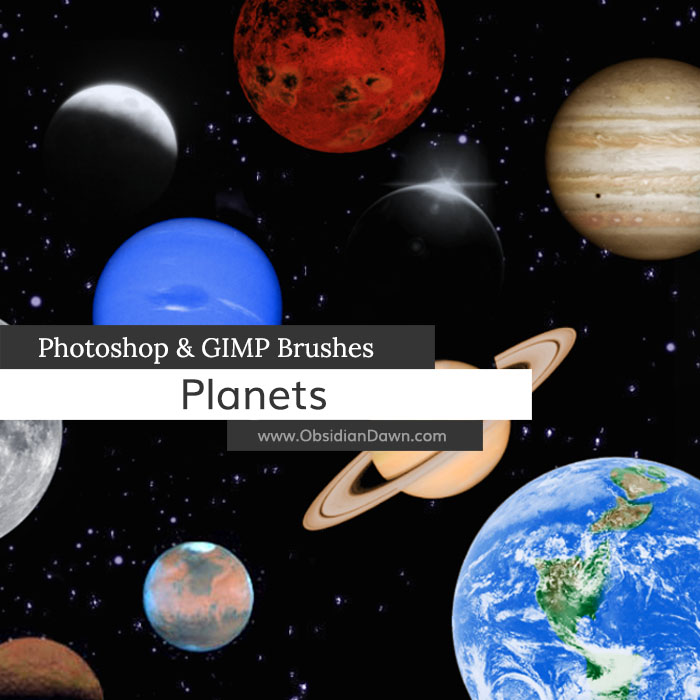
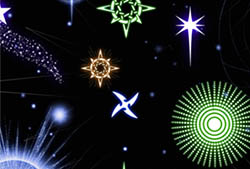
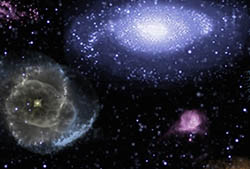
A set of Photoshop & GIMP brushes composed of the planets in our solar system, including several of our moon. We also have a Space Photoshop & GIMP Brushes set available that includes other space objects, including star fields.

Be sure to also check out our Space Photoshop & GIMP Brushes for starfields and other space objects!
Programs: Photoshop 7+, Photoshop Elements 2+, Gimp 2.2.6+
Brushes: 28
Size: 4.07MB
Download the brushes
Download the image pack
Please read my terms of use before downloading!


14 Responses to “Planets Photoshop & GIMP Brushes”
I really love these and have been looking forever for ones like this but they don’t download and I’ve been trying for a number of days so I guess this is reporting a broken link on the download.
Thanks,
Ashley
@Ashley: Hmm. I’m not sure why you’re having trouble. I just downloaded them fine. Perhaps you have your security settings in your browser set too high for it to allow the download? You could add my site to your trusted sites to fix that, or just lower the security settings on your browser (how you do that depends on what browser you’re using).
If you still can’t get it, let me know and I’ll email them to you!
Oh those are really cool thanks!
They looked amazing on my space title page :*
My friends are jelous, keep the good work up.
Thank you for these great brushes and for all the wonderful brushes you so freely share. You are so talented.
YOU ROCK!!!! I love your work!
bless u been looking for over 2 wks
How do you get them onto gimp? I found these on your deviant art, by the way
@Annie: Check out “Installing Brushes” in my sidebar. That’ll get you going. :)
Is this for photoshop 5.5 also? my brother wants it
@terry: If you mean regular Photoshop 5, then no. But that came out like 15 years ago, and it’s very unlikely that’s what he has. If it’s Photoshop ELEMENTS 5, then yes… absolutely, these will work.
Either way, though, you could download the image packs and make them into brushes, as an alternative.
hi! How to use brushes I have download from here?
(Not so good in English)
@Sarah: Well, I have a tutorial that explains how to use them. Click on “Installing Brushes” in my sidebar, on the right. :)
i downloaded them but after i do so i can’t fins them on my computer… :( i’ve tried multiple times..
@Ashley: Well, how that works depends on what browser you’re using. It should ask you where you want to put it. If it doesn’t, it should put it into a downloads folder, or onto your desktop, or wherever you specified last for it to put something. I’m sorry, there’s no one answer to that question, so I can’t completely help you out there.
Once you’ve got it found, though, here’s a tutorial that’ll walk you through the rest. Click on “Installing Brushes” in my sidebar to view it.
Leave a Reply
Other Links
Member Center
Getting Started
Affiliates
Helpful Links
Follow Us
By Program
Latest Downloads
Popular Now
Web Design and All Content
© 2004-2010 Obsidian Dawn