
Apr 23 2007

Ripped Jeans Photoshop & GIMP Brushes & Tutorial

Category: Brushes | Tags: , , , ,

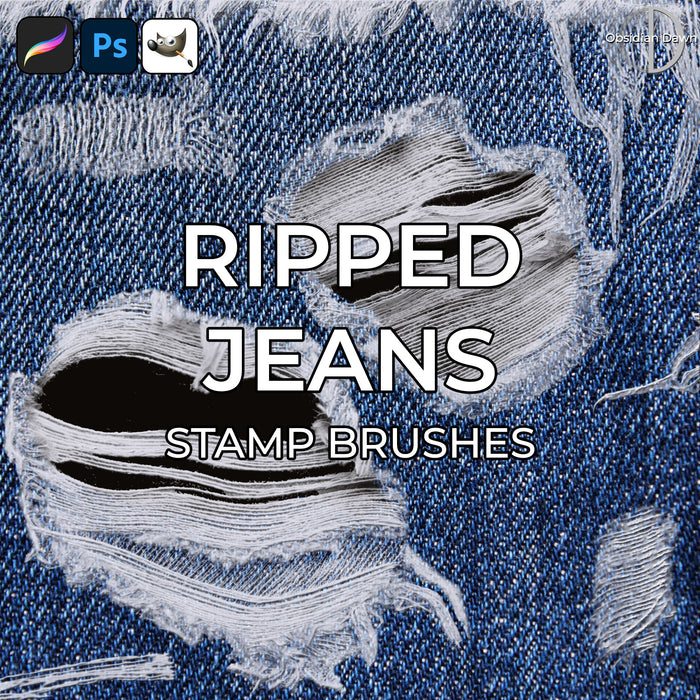
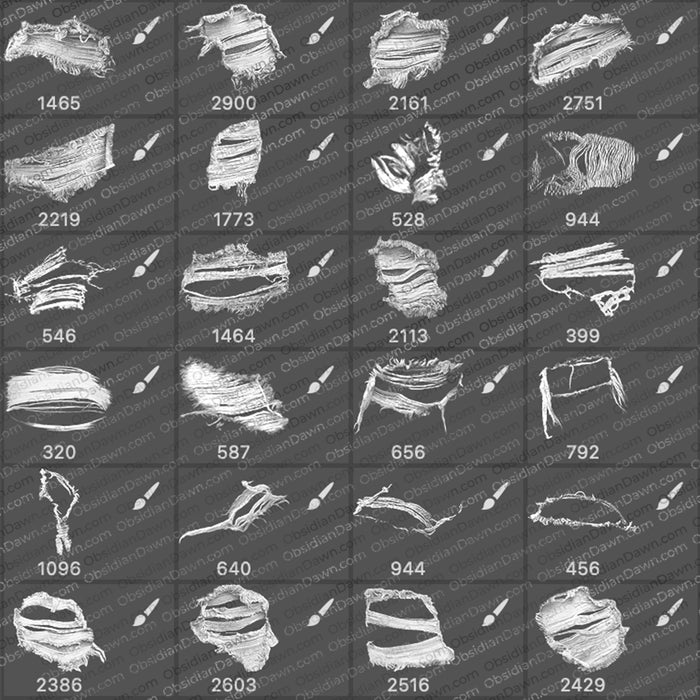
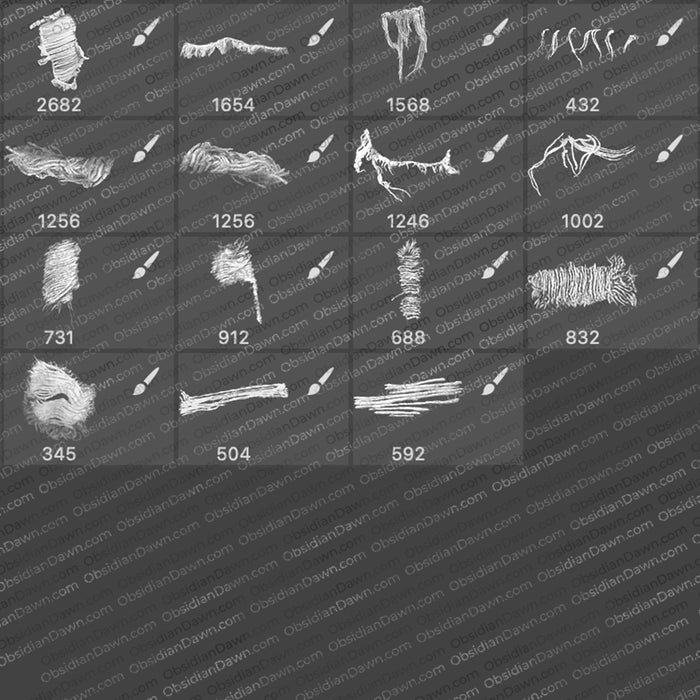
A set of Photoshop & GIMP brushes composed of various various holes, teared areas, ripped areas, frayed ends, etc. in jeans. There is also a tutorial to accompany them, to show you how to get the best of this rather unique brush set.

Ripped & Torn Jeans Brushes

Programs: Photoshop 7+, Photoshop Elements 2+, Gimp 2.2.6+
Brushes: 25
Size: 3.70MB


>> Download the brushes
>> Download the image pack

Please read my terms of use before downloading!

And the tutorial:

1. Have the jeans texture on its own layer. Here’s a denim texture you can use to play around with it and follow along with this tutorial: denim texture.

2. Make a new layer. (You can do this by clicking on the jean texture layer and then clicking on the “create a new layer” button on the lower right of the layers palette.) Name it “fraying” (right click on the layer, select layer properties, and rename it there).

3. On that layer, using white or off white as a color, use whichever of the ripped jeans brushes you like.

4. Make a new layer BETWEEN the jeans texture layer and the “fraying” layer. (Again, do this by clicking on the jean texture layer and then clicking on the “create a new layer” button on the lower right of the layers palette.) Call it “holes” (again, right click on that layer and select layer properties to rename it).

5. Using a regular round brush and black as your selected color, paint in a “hole” beneath where you used the ripped jean brush, wherever you think it looks like it needs it. Check out the image below for samples of the various brushes and what the holes beneath them look like, if you like.

6. Click on the “fraying” layer to select it. On the bottom left of the layers palette, click on the “layer properties” button and select bevel & emboss. Add an inner bevel with only a few pixels in size. I added a few pixels worth of softening, too, so that the shadows weren’t so hard edged. Here’s my settings:

7. That’s it! Your brush should look something like those below. Here’s some samples for you.

4 Responses to “Ripped Jeans Photoshop & GIMP Brushes & Tutorial”

  1. tora

    wow these are so cool thank you for both the brushes and the tutorial.

  2. Naiyah

    These brushes are so cool and have opened up a whole world of possibilities. Thank you!

  3. I love all your cool brushes….everything!!! Thank you so much for sharing it!! : )

Leave a Reply

See Your Image here - Submit Now!
Obsidian Dawn on Facebook