
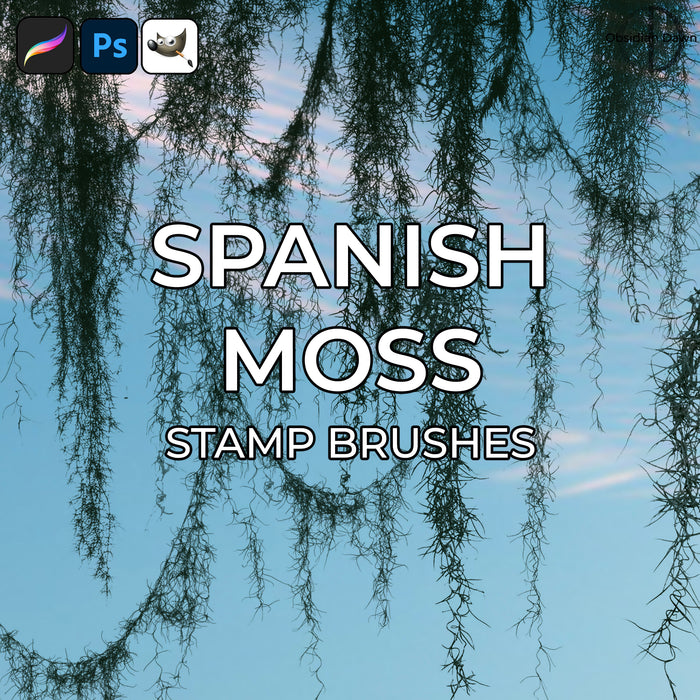
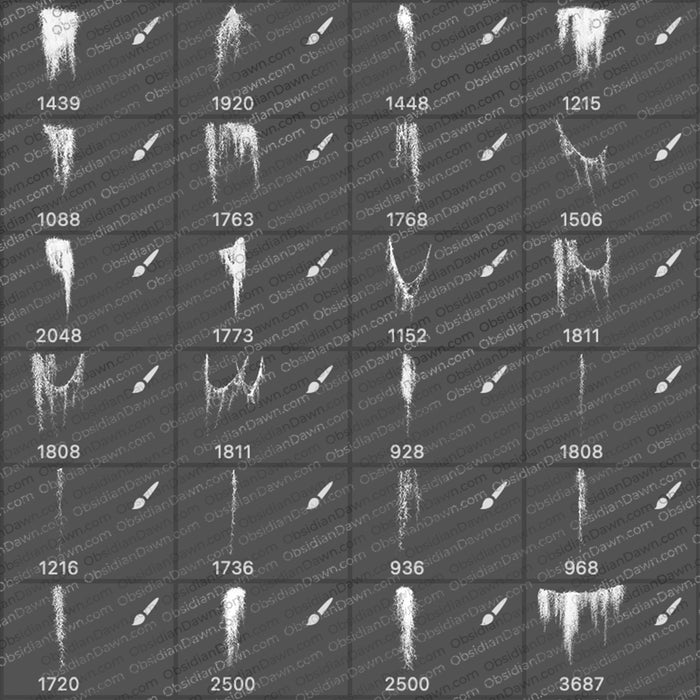
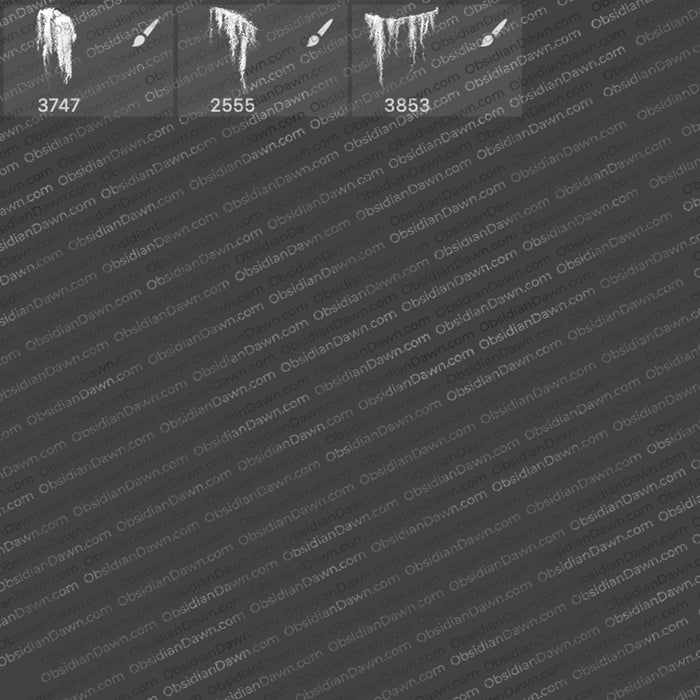
A set of Photoshop & GIMP brushes composed of various shapes of spanish moss. Spanish moss is that beautiful moss that you see hanging from various trees in the tropics, swamps, etc.
These come in clumps, dangling tendrils and loops. They were all made from personal photographs. hey don’t just “cut off” on the edges, either… so you could use them in places where the top doesn’t need to be hidden or against the edge of the canvas, etc.
All are fairly high resolution – average size is about 1500 pixels.

Programs: Photoshop 7+, Photoshop Elements 2+, Gimp 2.2.6+
Brushes: 21
Size: 7.40MB
Download the image pack (for those without Photoshop & GIMP)


Thanks – it’s easy to download brushes but easier to not think about the work that goes into their creation – so again Thanks \M/
This one will definatly help me & I now know that that green vine like stuff is called Spanish Moss :)
Oh man I LOVE your brushes! Actually, I’m downloading a good majority of them since I won’t have internet in a few weeks, and I’m putting them on my Photoshop PC. Again, I adore your brushes! Thanks so much for taking the time to make these!
Pingback: 40 Free Photoshop Brushes | Richardcqz dot Com
Thank you so much all these brushes are great!!!
Thank you a lot is amazing…now all it’s so easy
thank you very much….:-)
Your brushes are amazing and I would like to thank you SO much for sharing them. I use them all the time – I am ct to at least 30 people/sites in digital scrapbooking. They make the difference between a good layout and a great layout! love and many thanks for all your hard work and generosity, Kate
These are fabulous. Thanks so much! I was looking for something creepy but elegant for some gothic wedding invitations I’m designing. This is perfect!
Your brushes are the best – thank you so much for all you do!
Thank You, I’m very excited to use these
greatttttttttttttttttttttttttttt!!!!!!
Wow,
toll und vielen Dank.
i do most wedding invitations on photoshop and also on MS Word-,;
why cant my photoshop elements put these brushes? i did File – Open and then i seachred the brushes but when i double clicked it didnt work it did something but it didnt give the brushes PEALSE HELP ME! (Photoshop Elements 8)
You don’t just open these like other files. You need to install them in the right folder, then they’ll show up along with your other brushes. I have a tutorial, if you look in my right sidebar where it says “Installing Brushes” – that’ll get you started. :)
THANK YOU SO MUCH! I looked all over for spanish moss. Your brushes are incredible!
Superb brushes beutifully made hi rez and saved me hours of work, very kind of you to share them.