
Dec 11 2007

Splats & Splatters Photoshop & GIMP Brushes

Category: Brushes | Tags: , , , ,

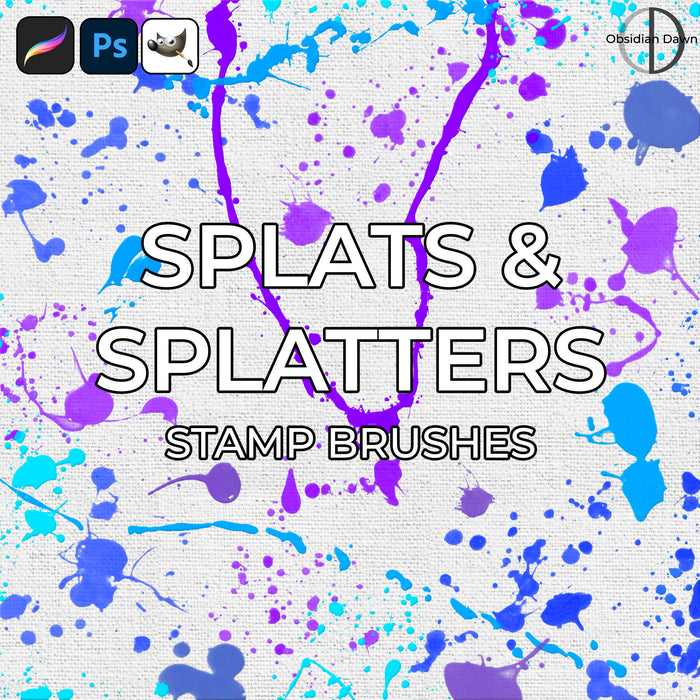
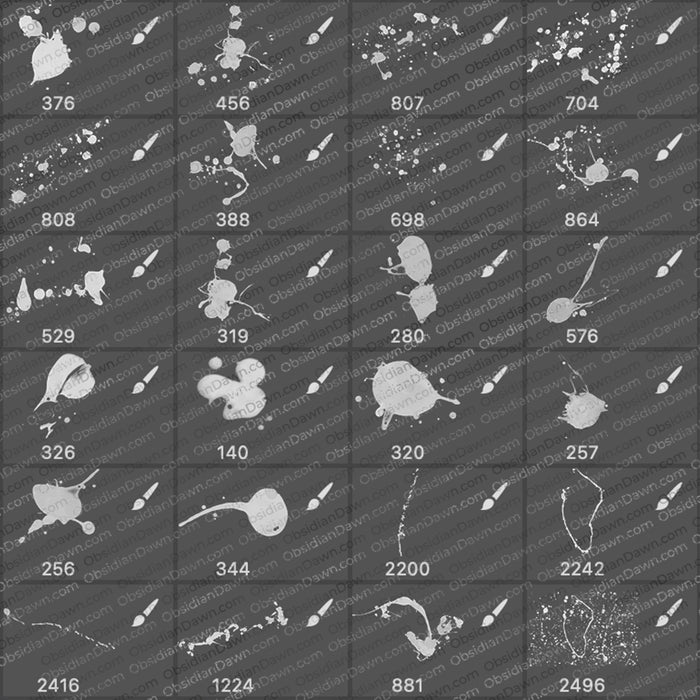
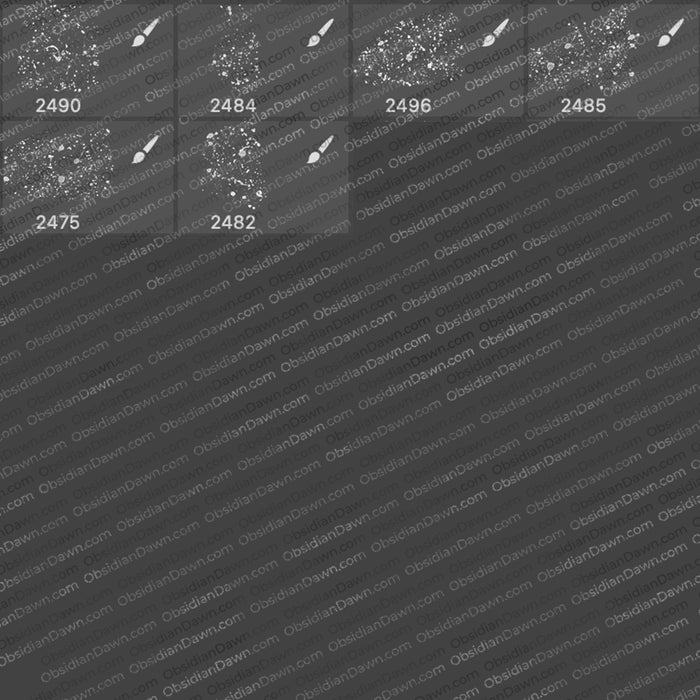
A set of Photoshop & GIMP brushes composed of various paint splats and splatters. This set is made out of photos taken from real paint that was splattered around on a canvas. Fun to make! These are all fairly high resolution, and come with single splats, as well as huge spatterings, some long stringy splats, and sets of a few splatters put together.

Splats & Splatters Brushes

Programs: Photoshop 7+, Photoshop Elements 2+, Gimp 2.2.6+
Brushes: 30
Size: 5.98MB


>> Download the brushes
>> Download the image pack

Please read my terms of use before downloading!

Random Brush Tip:

To scatter a brush shape about randomly in different sizes and at different angles, click on your brush tool. Select which brush you want to scatter.

Click on the brushes tab up on the upper right corner of your Photoshop window (or hit F5).

Click on Shape Dynamics. Set your Size Jitter slider at about 50-75%.

If you don’t want your brush size to get smaller than a certain size, set your Minimum Diameter slider to whatever percentage you think fits.

To change the angle of the brush, set the Angle Jitter slider low or high depending on how much you want the brush to tilt to one side or the other.

Make sure everything else is at 0% or Off.

Click on Scattering, and then set the Scatter slider as low or high as you’d like. You can see how much it’s scattering in the thumbnail below.

Click on Brush Tip Shape. Move the Spacing slider to the right until the brush is spaced how you’d like. Make sure the rest is at 0% or Off.

That’s it! Now paint with your brush.

11 Responses to “Splats & Splatters Photoshop & GIMP Brushes”

  1. You are one talented person! I love your paint splatter brushes!

  2. Edward

    Everyone is a genius at least once a year. A real genius has his original ideas closer together… I jus luv the way of illusions u thought to do.. expecting more from u
    Edward

  3. Stephanie

    Love your brushes!!!! You are very talented and very generous to make these available to all for free…. Thank you!

  4. ruchit Patel

    thanks bro, your brushes rocks, loved your work.
    thanks for sharing.

  5. Maddy

    Oh my gosh thank you so much for creating this. I happen to create a lot of desktop backgrounds for my friends and I, and these brushes will help a TON. I credit you at the bottom corner of the backgrounds, I hope that’s satisfactory.

  6. [...] 5. Splats and Splatters from Obsidian Dawn [...]

  7. Jay

    Thanks these are Cool .

  8. April

    These are really fun. Thanks!

  9. Celly

    I love your brushes! (These would be cool as blood too :P )
    Thankyou!

  10. georgette joy brigino

    can someone teach me how to change the colors of the brushes? like the fairies?

  11. @georgette: The colors that the brush shows up in depends on what color is selected in your color palette. But, if you mean that you want to have the brush “stamp” show up in more than one color, there’s a way to do that, too. Check my tutorials, and look for “Multiple Colors with Brushes” tutorial.

Leave a Reply

See Your Image here - Submit Now!
Obsidian Dawn on Facebook