Flower Sketches Photoshop & GIMP Brushes
Posted in: Brushes | Tags: , , , , .

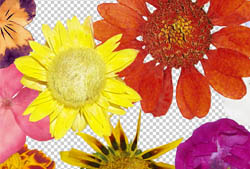
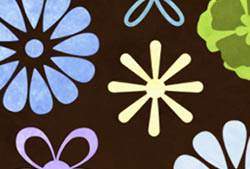
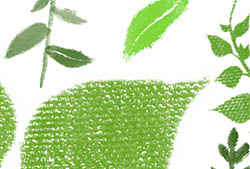
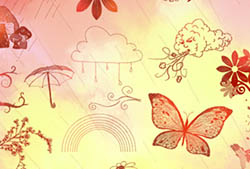
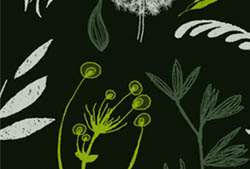
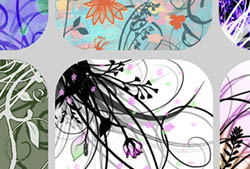
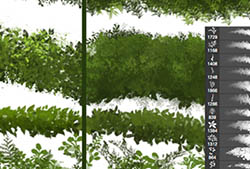
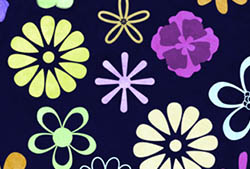
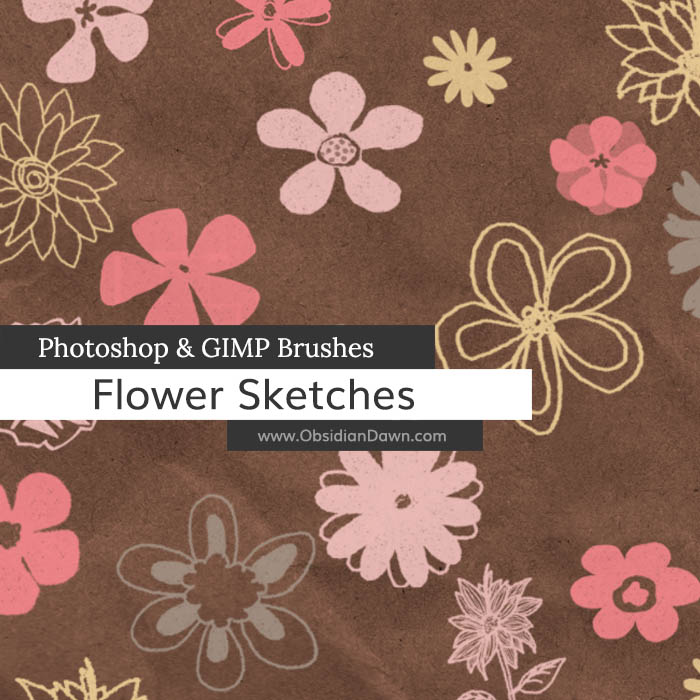
A set of Photoshop & GIMP brushes composed of various flower sketches. Most are around 1700 pixels high or wide, so they’re very high resolution.

All of these were drawn by hand, so they won’t be symmetrical like our Flower Vectors Photoshop & GIMP Brushes were. They have a sketched look to them, as well. Within this set you will find many various flowers, including a few on stems.

Flower Sketches Brushes

These brushes were made as an exclusive set for NAPP members, and were offered on their site for several weeks before being made available here. You can find out more info about becoming a NAPP member here.

Programs: Photoshop 7+, Photoshop Elements 2+, Gimp 2.2.6+
Brushes: 24
Size: 10.0MB

Flower Sketches Brushes
How to Install?
Terms of Use
 

Download the image pack (for those without Photoshop & GIMP)

Share and Enjoy:
  • Digg
  • Facebook
  • Twitter
  • del.icio.us
  • StumbleUpon
  • Blogplay
  • Google Bookmarks
  • Print

26 Responses to Flower Sketches Photoshop & GIMP Brushes

  1. LivE says:

    Thank you once again for your awesome work, Steph! Have a happy day! :D

  2. TAS says:

    These are very nice. As always, thank you for sharing!

  3. Mary Ann says:

    Stephanie, you are the best! Thank you so much for your generosity

  4. Joyce says:

    Wonderful, Stephanie…….I love these!

  5. Jomama says:

    Thank you once again for such fun brushes!!!!

  6. lourish love says:

    love it! thank you very much.

  7. Mary says:

    Thanks very much. These will be put to good use.

  8. Robert Marleton says:

    Your brushes are excellent, as always!
    Thankyou.

  9. soundarya says:

    it’s excellent…. but if the floral patterns will visible in the combination of two shades by using both the foreground colour and back ground colour, it will be more beautiful.

  10. Stephanie says:

    @soundarya: I’m afraid that isn’t possible. You can make the brush color ALTERNATE between those two, but you can’t make part of the brush in one color and part in the other. You can use masking to achieve that, though. :)

  11. Tina M says:

    Thank You so much!

  12. Eileen says:

    These are so nice! TFS.

  13. ella says:

    nice~thank u

  14. Mary says:

    thank you for the brushes & images

  15. m0u0s0h says:

    Love your work, always high quality. Thanks for sharing your talents

  16. grammy201 says:

    Love your brushes; thanks so much for sharing!

  17. Bryanleung says:

    Love your work and also high resolution. That’s great! Thank you

  18. Raul Sosa says:

    buen trabajo amigo!!

  19. MJ says:

    thank you, a wonderful brush!

  20. ahwsmsh says:

    hi
    i wanted really to thank the people who responsible about this great and awesome website really thanx I’m waiting for all what new .
    regards

  21. Tracy says:

    Oh my goodness. I’ve just downloaded GIMP and then within 24 hours I’ve discovered your fabulous site! Are you an angel sent from heaven? Thank you for your incredible generosity. I absolutely love your gorgeous creative pencil thingies.

  22. Pingback: Flower Sketches

  23. Andy says:

    Awesome brushes!

  24. great designs. i like the brushes. i’ll be able to use this on an upcoming project.

  25. Gen says:

    How do I get these on GIMP 2.6? They just go straight to Photoshop…

    • Stephanie says:

      Click on “Installing Brushes” in my sidebar, and follow the GIMP instructions.

      That’s all I know. I don’t use GIMP, sorry. They WILL work in both, though

Leave a Reply

Your email address will not be published. Required fields are marked *

*

You may use these HTML tags and attributes: <a href="" title=""> <abbr title=""> <acronym title=""> <b> <blockquote cite=""> <cite> <code> <del datetime=""> <em> <i> <q cite=""> <strike> <strong>