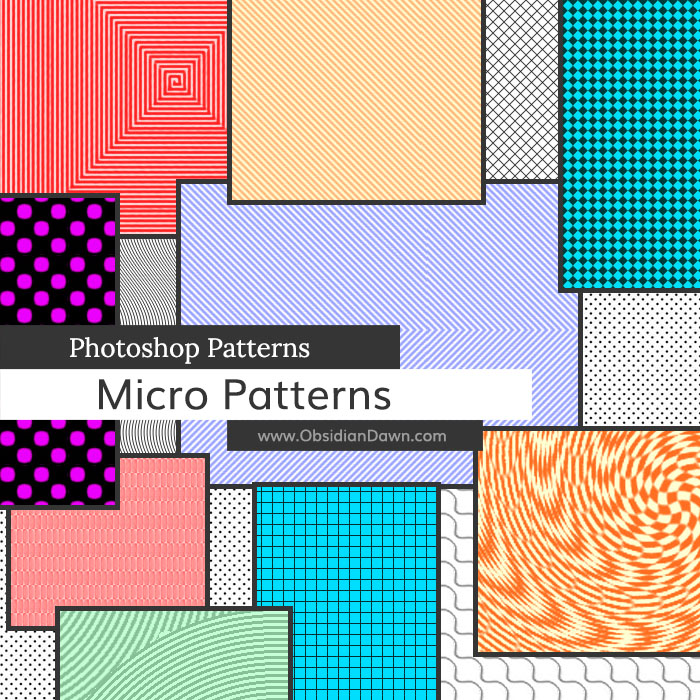
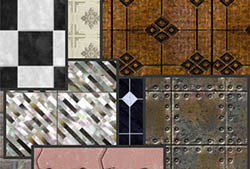
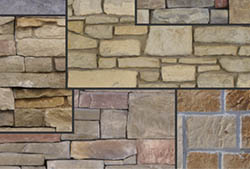
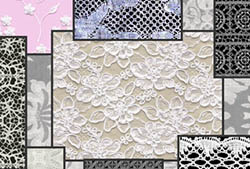
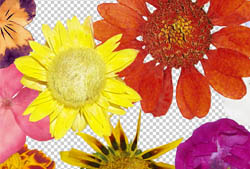
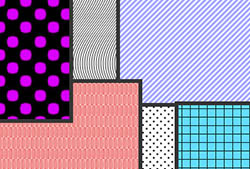
A set of Photoshop & GIMP patterns composed of various ‘micro patterns’ – small, simple patterns that would work well for any number of purposes. You could use the different ‘dots’ patterns to add to an image and make it look like halftone newspaper print, for example. Most of these patterns are seamless, though a few are not.
Includes: circles, dots, dashes, grids, squares, scales, twirls, waves, zigzags, and just about any type of lines!

Programs: Photoshop 7+, Photoshop Elements 2+
Patterns: 31
Size: 5.34MB
Download the image pack (for those without Photoshop & GIMP)


When I downloaded the unzipped micro pattern to my folder C:\Program Files\Adobe\Photoshop 7.0\Presets\Brushes. It saves it as a AutoCAD Hatch Pattern Definition!!
I plan to animate the text pattern in Adobe ImageReady, so any advice will be gratefully received.
Plse help.
@Glynn: Wow, that is an odd one. Did you change the extention while downloading it? It should be a .ZIP file, which you must unzip (http://www.obsidiandawn.com/how-to-unzip-a-file) first. Then, it should be a .PAT file, and that file extention should be associated with Photoshop. If it’s not, on your computer, you should still be able to USE it in Photoshop. But you can’t just click on the file to use it (even if it is properly associated with Photoshop). You must open Photoshop and load it as a pattern. If you’re not sure how to do that, check my tutorial here: http://www.obsidiandawn.com/installing-photoshop-patterns-tutorial
Hope this helps!
This is exactly what I have been searching almost ‘everywhere’ for! Thank you sooo much.
Pingback: Huge Collection of Photoshop Brushed, Patterns and Shapes | tripwire magazine
Pingback: Micro Patterns PS Patterns | Photoshop Resources
wooooowwwww,,,, it very usefull ^O^,,thank you
Hey Stephanie, how can i install it with GIMP? And what extension shall I need to use?
wow I’ve been looking for these everywhere for gimp. thanks!!! :D
when I try to download the patterns…and then extract the zip file…it says the folder is empty…any advice?
@Lorine: Well, now, that’s odd. Perhaps it was just a bad download, or something odd going on with the server that hosts my files, temporarily? I just tried it and it most definitely contains a .PAT file. Try again, and let me know if you’re still having trouble – I’d be happy to send it to you via email if so. :)
These are really cool and useful, thanks.
Hi,
Just checking something with the TOS on one of these images.
I would like to use one particular pattern as a texture in a drawing application for the iPhone. The file would be added in my 1.4 update which adds some nicer looking textures. One of these would be used as one of the 9 preset textures.
At current the app is named Sgraffito and is on the AppStore. (named sgraffito because the user scratches away a black layer to reach the textured layer.)
I can provide credit for obsidian dawn or something else if wanted. Thanks
As long as you can credit obsidiandawn.com within the app itself, that will be sufficient. Alternately, you can purchase a commercial license for that set for $3, which would allow you to use that set in your designs and projects without crediting me at all. It’s entirely your choice.
Best of luck with your app!
How do you make the stamps have color? Mine are black and white.
Well, you can either go into my tutorials section and learn how to add multiple colors to brushes, or you can use the pattern version of these – which comes in full color.
Actually, nevermind – I thought that this comment was on a different page. For these to be in color, it’s as simple as choosing a color, making sure your document type is RGB rather than Grayscale, and clicking. :)
These look like fun! Thank you for sharing.
Thank you very much!