
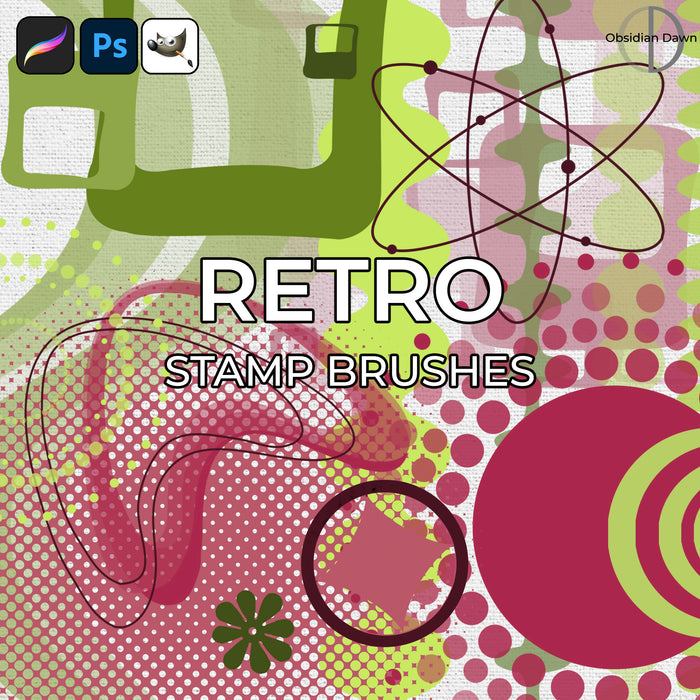
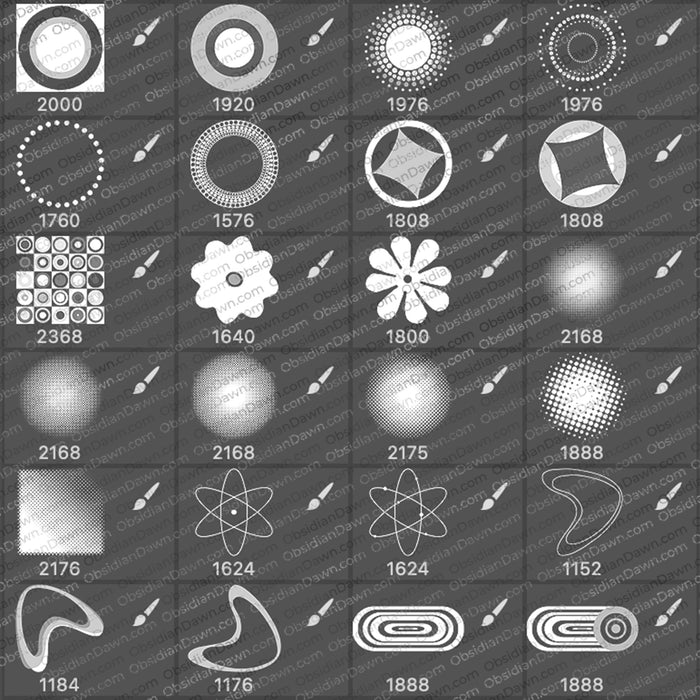
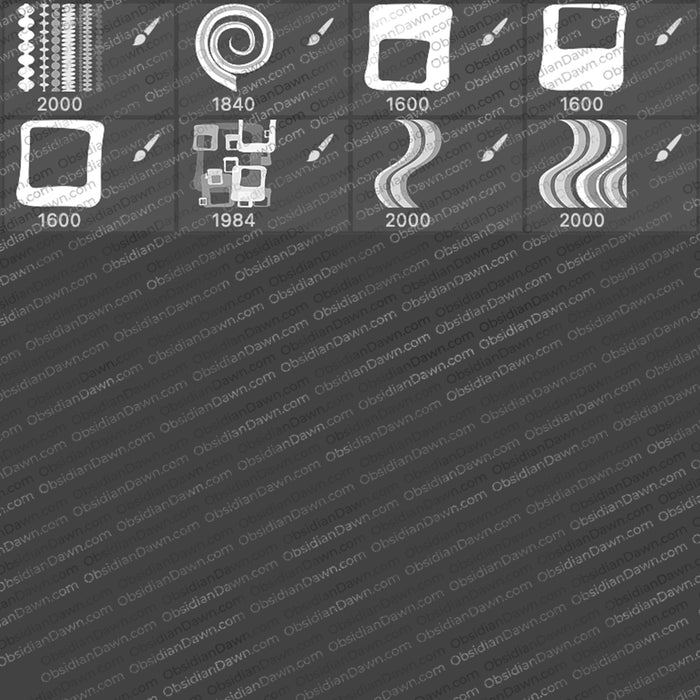
A set of Photoshop & GIMP brushes composed of various vectors in a retro style. All high resolution, with the average size being about 1800 pixels.
Includes numerous halftones, lots of circles, squares, diamonds, etc in various designs, some stuff that you couldn’t put a name to if you tried (hence the “misc” brush names!), wavy lines, and much more!

Programs: Photoshop 7+, Photoshop Elements 2+, Gimp 2.2.6+
Brushes: 32
Size: 11.1MB
Download the brushes
Download the image pack
Please read my terms of use before downloading!
Photoshop Brushes Tip:
With vector brushes, it’s fairly easy to change the color to different parts of the brush.
- First, use the brush on its own layer. (SHIFT-CTRL-N for PC or SHIFT-CMD-N for Mac to create a new layer.) Use whatever color you want.
- Next, take the lasso tool (L) and outline the parts of the design that you want to change the color of. For example, using the “circles” brush from this pack, you could outline just the big, center circle. This will select it.
- Tip on selecting: Holding SHIFT will allow you to ADD to your current selection, if you missed something. Holding ALT will allow you to SUBTRACT from your current selection, if you got something extra in there.
- Now, on the top menu, choose Image > Adjustments > Hue/Saturation.
- Slide the “Hue” slider back and forth until it reaches the color that you’d like to accompany the first one.
- Hit OK, and that’s it! You now have a vector design in two distinct colors, using just one brush.


23 Responses to “Retro Vectors Photoshop & GIMP Brushes”
Thank you!
Thank you so much for sharing these brushes, and too for the tip on changing colors–I have so much to learn in Photoshop!!! You are amazingly generous; I know you put lots of work into creating these brushes, and to share them, free of charge…I am in awe of your kindness. May many blessings come your way, and if I can ever be of assistance to you, I would gladly do my best!
Terri
Heron Moon Designworks: artisan jewelry, art quilts, boutique clothing, photography, digital paintings
http://www.flickr.com/photos/kiter-s_timespacerealityimaginationcontinuum/sets/72157594184738834/
http://heronmoon.etsy.com
Your brushes are amazing! :D
Thank you…thank you…thank you…did I say…THANK YOU! for your talent and generosity…
[...] DOWNLOAD [...]
Fabulous. Thank you so much for sharing your talent and allowing the use of your brushes.
Thanks so much!! You do amazing work!! Thanks for sharing these brushes and all the tips….can’t wait to play around with it in PS!! :o)
Excellent brushes. Thanks for sharing.
Amazing, I just started using GIMP (I’m on a linux!) and these are so helpful =D Thank you!
NICE. You is talented X)
thanks so much! they are great!!!!
thanx friend…. thanx a lot 4 sharing such a nice collection of brushes with us 4 free of cost.
u r very kind.
nice to meet u.
this is navin chandra
e-mail : navinc_1980@yahoo.com
Tank you! excelents Brushes!
[...] If meddlesome images brushes themselves, we picture container set download website here: [link] [...]
thanks man…..
that’s really Great….
thank you…
I am so grateful to you for helping people like me… :D
[...] Retro vectors brush pack [...]
Thank you so much!!!!
[...] 10. Retro vectors brush pack [...]
[...] 10. Retro vectors brush pack [...]
stupidly great!!!!!!!!!!!!!!!!!!!!!!!!!!!!!!!!!!!!!!!
[...] DOWNLOAD VINTAGE BRUSH [...]
Hello!
thnx for the brushes :)
keep up the great job
Leave a Reply
Other Links
Member Center
Getting Started
Affiliates
Helpful Links
Follow Us
By Program
Latest Downloads
Popular Now
Web Design and All Content
© 2004-2009 Obsidian Dawn