Mar 20 2007

Western Photoshop & GIMP Brushes
Category: Brushes | Tags: , , ,

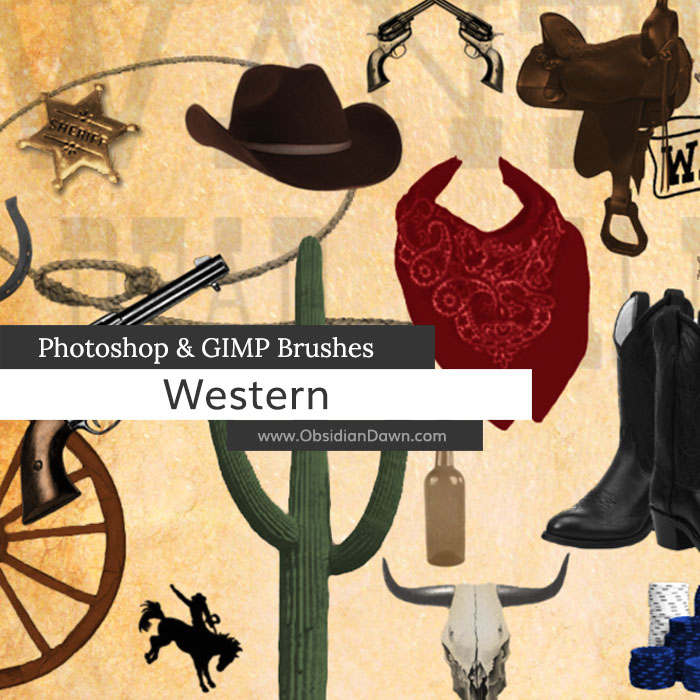
A set of Photoshop & GIMP brushes composed of various western elements. Cowboys, cowgirls, and the Wild West, Yeehaw!

Western Brushes

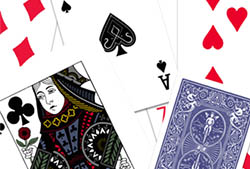
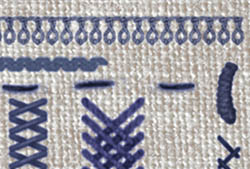
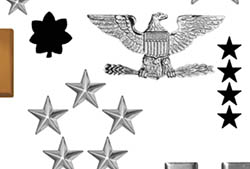
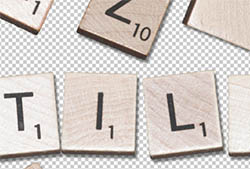
Includes: bandana, cowboy boots, bronco, bullet holes, bullets, cactus, cowboy hat, lace fan, gun, horseshoe, lasso, poker chips, royal flush (cards), rodeo images, saddle, skull, tombstone, wagon wheel, wanted poster, and a whiskey bottle.

Programs: Photoshop 7+, Photoshop Elements 2+, Gimp 2.2.6+
Brushes: 27
Size: 1.26MB


>> Download the brushes
>> Download the image pack

Please read my terms of use before downloading!

12 Responses to “Western Photoshop & GIMP Brushes”

  1. Kay R.

    I’ve been a busy bee, downloading your beautiful brushes. I came to your web page from the link listed in Digital Scrapbooking magazine (December 2008 issue). Thanks so much for sharing your talent. Brushes are my favorite element to work with, and judging from the pictures of your brushes, I know I’m going to enjoy using all of these. Thanks again, and do keep up the good work!

  2. Kris

    More great brushes, thanks so much!!

  3. JIll

    THANKS SO MUCH!!!

  4. Lacy

    Thank you so much for sharing all the great brushes!!! It’s greatly appreciated.

  5. thanks so much- great job!

  6. Sandy_in_MD

    Fun set – thanks!

  7. Kristi

    WOW! These are exactly what I was looking for! Thanks so much!

  8. Remi

    These brushes are awesome!, keep up your good work!

  9. Rain

    How do you get the brushes to go into photoshop? I’m using
    elements 8.0. I’ve already downloaded but the brushes dont appear.
    Can you help?

  10. @Rain: Check out my sidebar, where it says “Installing Brushes” in bold – that’ll get you started! :)

  11. Dear Artist

    It’s plain and simple awesome that you are so kind to share your Work with others. I love using Brushes …

    Big Thx and take care !!

Leave a Reply

See Your Image here - Submit Now!
Obsidian Dawn on Facebook